Introducing Foundation Dragon
Deal Point Insights
Powered by GenAI
Foundation Dragon is the first GenAI deal point extraction tool designed to help lawyers transform their experience data into powerful insights.


We’re the Market Leader in Legal Technology, but Don’t Take Our Word for It
Hear from our customers about how we’re helping their firms Amplify Impact.

Waller Landsden Dortch & Davis, LLP.
Why Waller Lansden selected BigSquare as their new Business Intelligence platformMcNees Wallace & Nurick
How Business Intelligence helped McNees transition to work from homeShepherd+ Wedderburn
CAM offers Shepherd and Wedderburn the granularity they were seeking across departmentsMacpherson Kelley
Macpherson Kelley uses pdfDocs for paperless review and filing of court documents electronicallyCohen & Grigsby, PC
How BigSquare's business intelligence software transformed Cohen & Grigsby's efficiency & "real-time" visibilityCrowell & Moring LLP
How BigSquare’s attorney analytics application created “One Version of the Truth” for all of Crowell & Moring's data
Becker & Poliakoff
How Becker & Poliakoff utilized contentCrawler to centralize OCR processing
Makinson d’Apice
contentCrawler automated OCR helps Makinson d’Apice Lawyers minimize the number of hidden files in their iManage DMS


Explore Litera’s AI Legal Technology
We Amplify Impact Across Your Firm
For Legal Work. For Firm Performance. For Firm Governance.

Deliver Your Best Work On Time and On Budget
Work smarter, not harder. Elevate client service, supercharge your competitive edge, and nurture data-powered wisdom for effective decision-making.

Win More Business and Increase Profitability
Maximize billable hours by focusing on what truly matters–cultivating client relationships, not drowning in data entry. Respond to clients faster with valuable insights all while minimizing risks associated with privacy and cyber security.

Enhance End-User Satisfaction and Efficiency
Streamline contract review and document drafting for increased efficiency and accuracy so lawyers can do what lawyers do best—deliver high-value legal work to clients.
For Legal Work


For Firm Performance


For Firm Governance


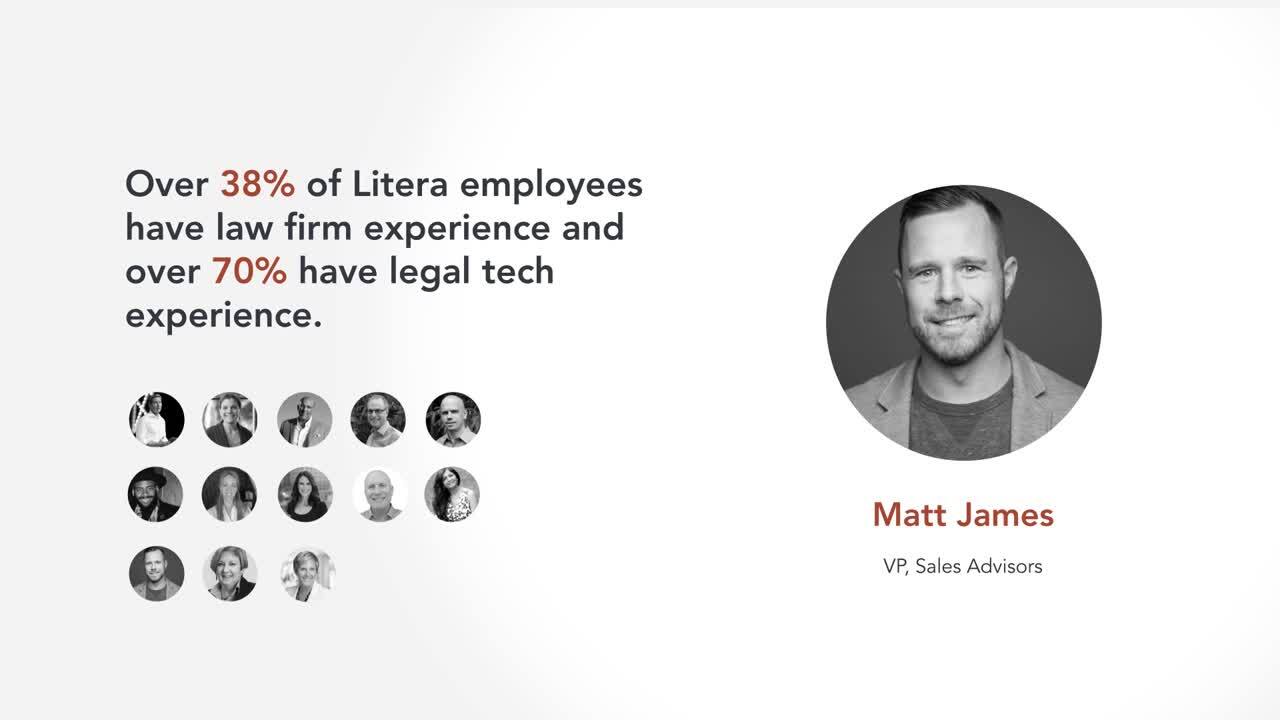
For Legal Minds, From Legal Minds
With technology crafted by legal experts, Litera is transforming the way legal teams of all sizes perfect documents, run deals, and manage cases.
Resources
Stay Up-to-Date With Our Latest Resources
From best practices and webinar recaps to expert insights and more, check out our latest resources.


Ready to Get Started?
Join over 4,000+ firms already growing with Litera.
